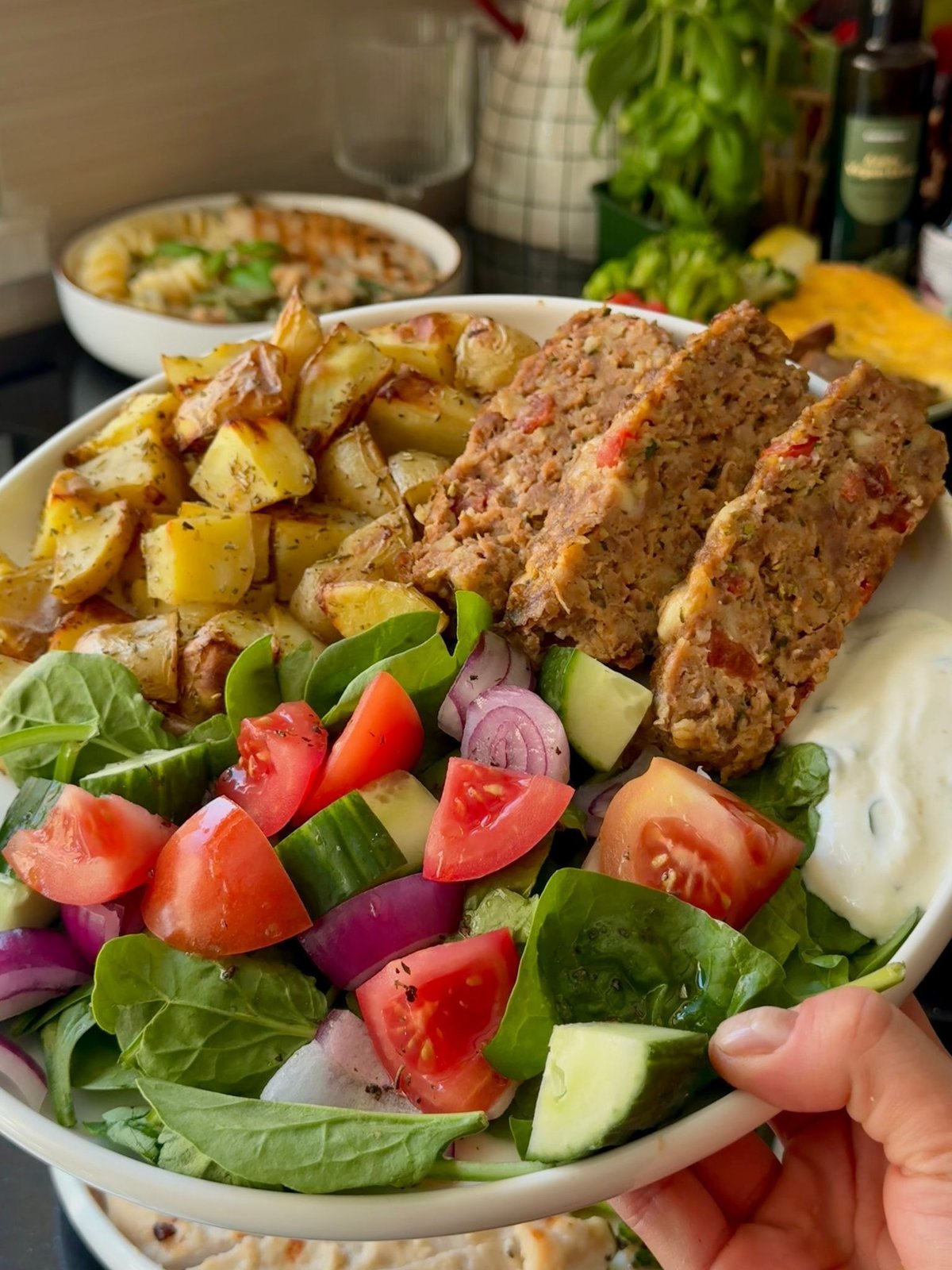
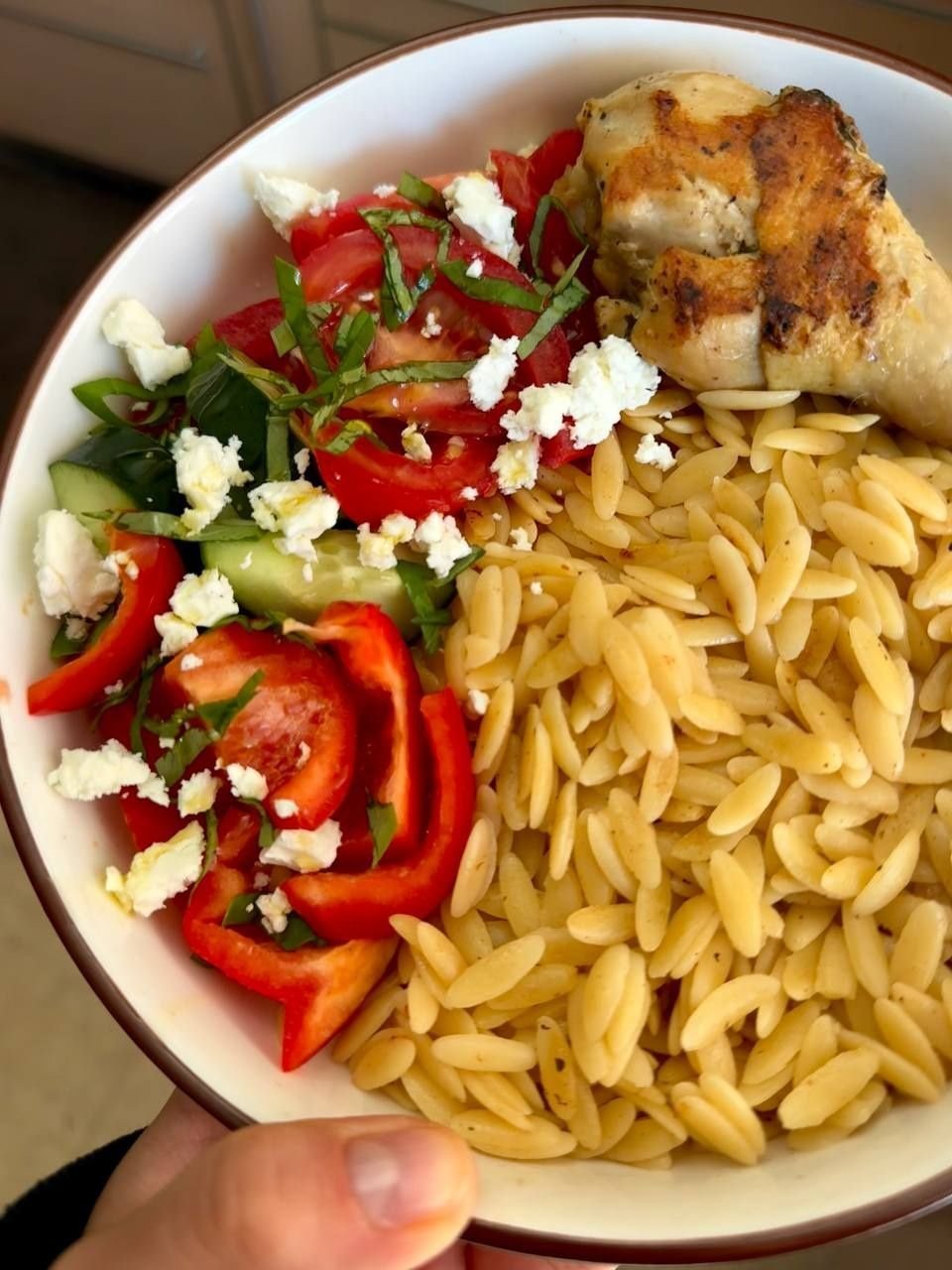
Mark dishes done and leave a review
The app suggests which plates you can put together from your preps and lays the dishes out by day. It is a suggestion, not a rule: combine the preps your own way. The review at the end is optional, but it helps us a lot.
The app interface in the clips is shown in Ukrainian. The app is also available in English.
-
1. Put plates together and mark them done
On the Your meals screen the app suggests which plates you can put together from your preps and lays them out by day. A dish card has the Plate setup method, and the Small, Average and Large sizes help you split a dish: a smaller portion for one person, a larger one for another. It is only a suggestion: you can combine the preps to your taste, like Lego bricks, and that is the best part of capsule meal prep. Mark dishes as done one by one, or tap Mark all next to a day. At the top you see how many dishes are done.
-
2. Leave a review
Rate the meal prep with stars: How was this cooking session? You do not have to leave a review to finish the menu, but every review helps us improve the system and helps other meal preppers know what to expect from a menu. Tell us about anything inconvenient too: we fix it. And we are always very happy to see photos of your preps and plates, it warms our hearts. To send it, tap Submit review.
Questions
Do I have to write a comment or add photos?
No. A comment and photos are optional, and so is the review itself. But every review helps us improve the system, and we are always glad to see photos of your preps and plates.
Can I mark all the dishes of a day at once?
Yes. Next to every day there is a Mark all action.
Where can I see how many dishes are done?
At the top of the Your dishes screen: it shows how many dishes of the menu are done.